
The one-pager
A single page answering every question a visitor arrives with, right for a plumber or a small trade with one clear offer.
Read the guide →A one-pager, a brochure site, an event microsite or a link page: each is a small project with a handful of decisions that are hard to undo once the site is live. This guide goes through them in order, from what shape your site should take to what it must legally show.
Plan your site in an afternoon Check your legal essentialsMost small sites are one of four shapes. Knowing which one yours is settles the page count before you plan a single page.
A single page answering every question a visitor arrives with, right for a plumber or a small trade with one clear offer.
Read the guide →A handful of pages, each answering one distinct question a visitor brings, useful once a business has more than one thing to say.
Plan the pages →A page built to do one job for a fixed period, a wedding, a launch, a fundraiser, then taken down once it has done it.
See the campaign page →A single scrolling list of links, right for a musician or small charity pointing people at profiles, tickets or a donation page elsewhere.
Check which shape fits →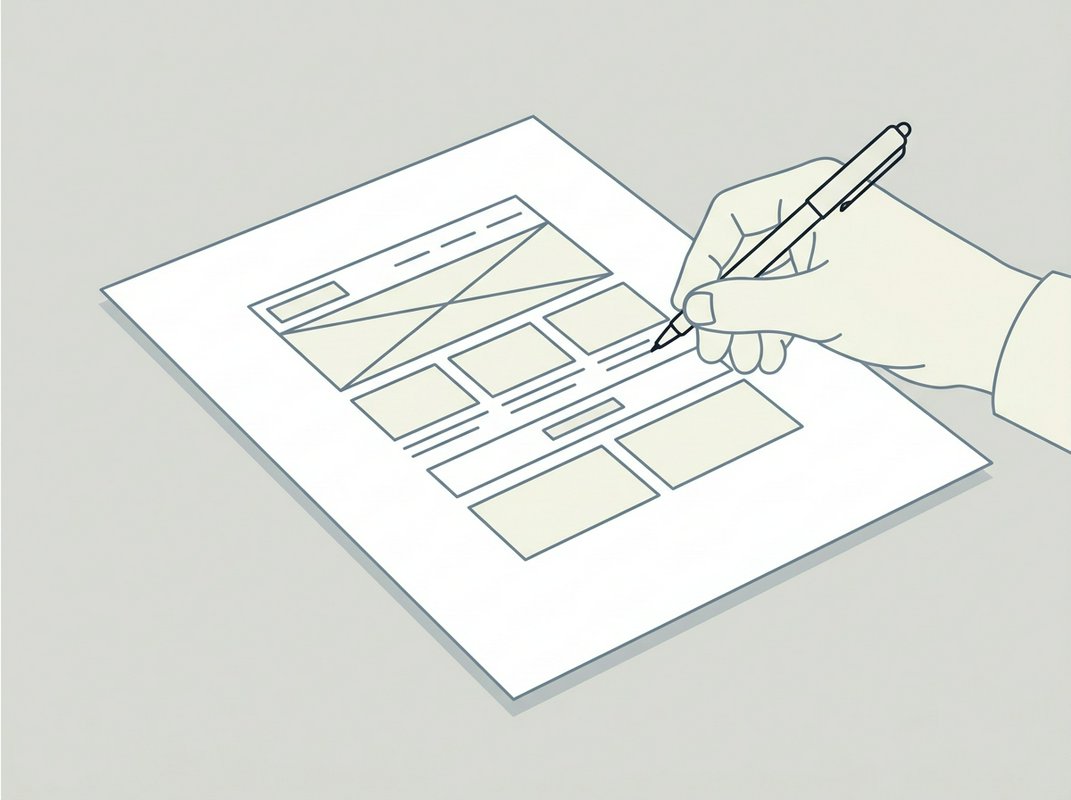
A site with one to ten pages does not need a project team, but it does have a handful of decisions that are hard to undo once the pages are live: what shape the site takes, who holds the domain name, where the files sit, and what the law requires you to show. Most of what goes wrong with a small site is settled before anyone opens a website builder, at the planning stage.
A small site usually turns out to be one of four things: a one-pager that answers a single question, a brochure of a few pages covering what you do and how to reach you, an event microsite built to run for a season and then come down, or a link page that sends visitors on to a booking system or social profiles. Working out which of these yours is settles most of what follows, including how many pages you actually need and what belongs on each one.
If you already have a rough idea of what you want, start with Planning a Small Site in an Afternoon. If the legal side is the part on your mind, the UK Website Legal Essentials Checker works through the requirements from named regulations and shows its working beneath the result, though it does not replace professional advice for anything that turns out to be complicated.
Each section stands on its own, so you can start wherever your project actually is.
Most small websites go wrong at the planning stage. The planning guide sets out the handful of decisions about page count, audience and structure that are hard to undo once the site is live.
A one-pager, a brochure site, an event microsite and a link page answer different kinds of visitor questions, and knowing which one you need decides almost everything that follows. The guide on what a mini-site is walks through each shape and how to tell which one fits your case.
A small site is a small project with a handful of decisions that matter: what to call the domain, where to host the files, what the law requires you to show, and how visitors will get in touch. Each of those has its own guide, worked through in the order you would actually meet them.
Start with the planning guide if you haven't yet decided what the site needs to do, or go straight to the legal essentials checker if the build is already underway and you need to know what your pages must show. Either is a reasonable starting point, depending on how far along you are.
If you have not settled the shape of your site yet, start with the planning guide. If you already know what you are building and want to check the legal basics, go straight to the checker.